
Gaming Account Signups: temporary email for Zero Spam
Signing up for a new game, especially a free-to-play title or a beta, often requires an email address. You're probably used to using your main Gmail, Yahoo Mail, or Outlook account for everything. But for those one-off game registrations, that can quickly turn into a flood of promotional emails, newsletters, and eventually, spam. By 2026, we'll all be even more inundated with digital noise if we don't get smarter about how we handle these signups.
The problem isn't just annoying; it's a privacy concern. Every service you sign up for collects your email address. While many are reputable, others sell your data or are prone to breaches. Your primary inbox gets cluttered, and your personal information becomes more exposed than you'd like.
The Temporary Email Solution for Gamers
This is where temporary email services shine. They provide an email address that lasts for a short period – anywhere from a few minutes to a few days. You use this disposable inbox to receive verification codes, download links, or initial confirmation emails for gaming accounts. Once you're done, you can simply discard the temporary address. No lingering data, no future spam.
Think about it: you want to try out a new indie game on Steam, or sign up for a closed beta for an upcoming MMO. You need to confirm your email. Instead of using your main account, you spin up a temporary inbox.
How it Works for Gaming
- Find a Service: Search for "temporary email" or "disposable email." Many options exist, some free, some paid with longer lifespans or custom features.
- Generate an Address: The service will usually generate a random email address for you instantly. Some allow you to pick a username, but for gaming, random is often best to avoid any association with your main identity.
- Use for Registration: Enter this temporary email address when prompted by the game's signup form.
- Check for Verification: Go back to the temporary email service's inbox. You'll see the verification email from the game. Click the link inside to confirm your account.
- Discard: Once confirmed and you've downloaded the game or accessed the beta, simply close the tab or delete the temporary inbox. It's gone.
This method is fantastic for platforms like Reddit, where you might want a separate account for gaming discussions without linking it directly to your primary email. The same goes for Twitter/X if you're following specific gaming news accounts or participating in gaming communities.
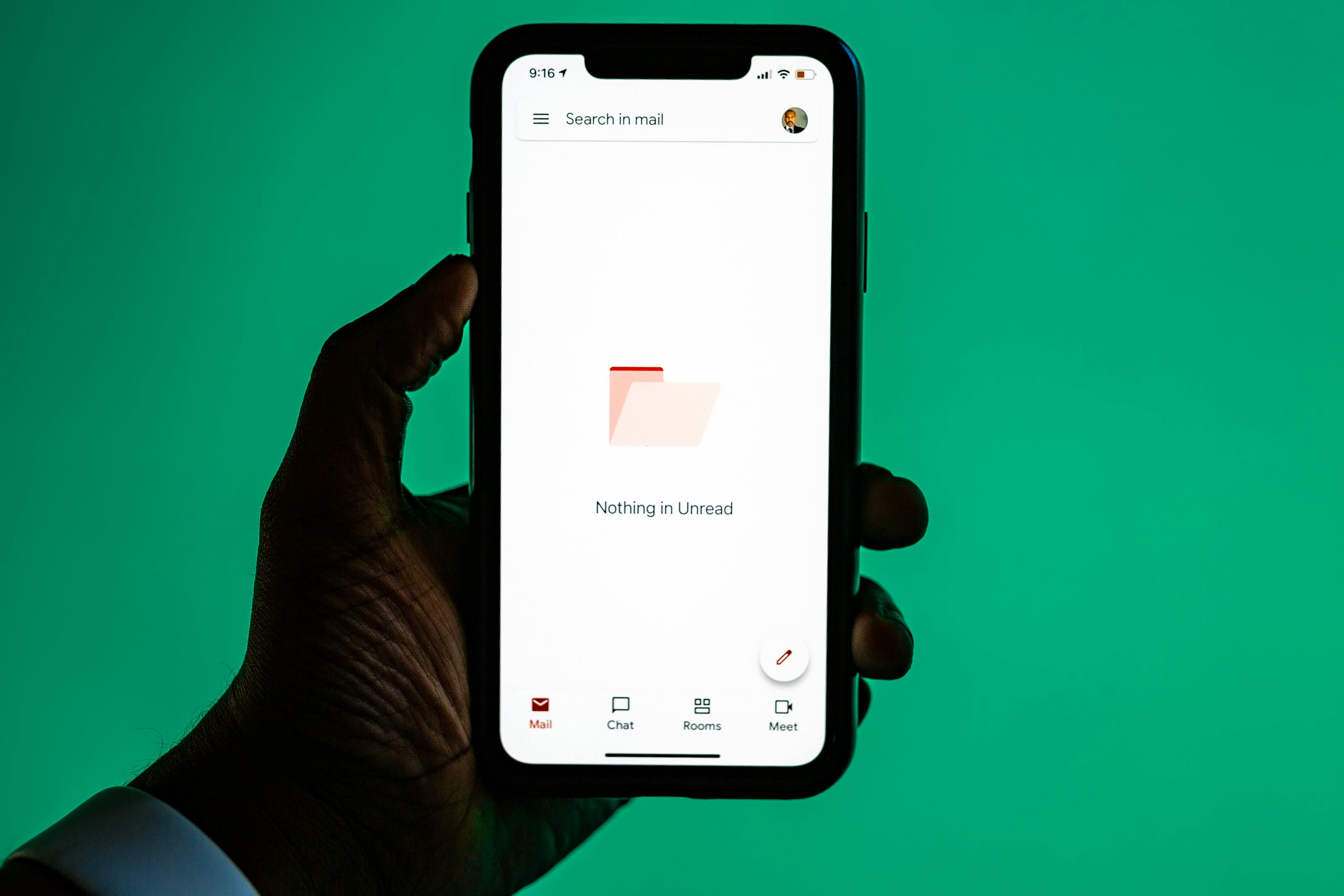
For 2026, with more games adopting account systems and digital storefronts, this practice becomes even more critical. You don't want your main Gmail account bombarded with notifications about in-game sales or new loot boxes from games you played once. Using a temporary email for these registrations keeps your primary inbox clean and focused on personal communication, important work emails, or actual friend interactions on platforms like Discord.
Some services, like TempTom, offer longer-lasting temporary inboxes if a game requires a longer verification period or if you want to test a game for a week before committing. The key is to select a service that fits your needs for that specific signup. For most quick registrations, a 10-minute or 30-minute inbox is perfectly sufficient.
By adopting this simple strategy, you significantly reduce the risk of spam and unwanted marketing emails cluttering your digital life, all while maintaining access to new gaming experiences.